
Travel
For travel
$50Pay with your phone in stores, cafés and hotels in any country. Adding the card to Apple Pay and Google Pay takes a minute.
- Online shopping
- Apple Pay and Google Pay
- In-store payments worldwide
Top up your balance with stablecoins or with rubles via SBP. Shop in any country and pay for online services. A card is issued in as little as 30 seconds.
The service is provided by ООО «Кошелек Атлант», INN 9909718772.
| Most features  |  | |
|---|---|---|---|
| Card issue | $50 | $150 | $10 |
| Online shopping | Yes | Yes | Yes |
| Apple Pay and Google Pay | Yes | Yes | No |
| In-store payments worldwideby phone or card | Yes | Yes | No |
| Physical carddelivery included in the price | No | Yes | No |
| ATM cash withdrawals | No | Yes | No |
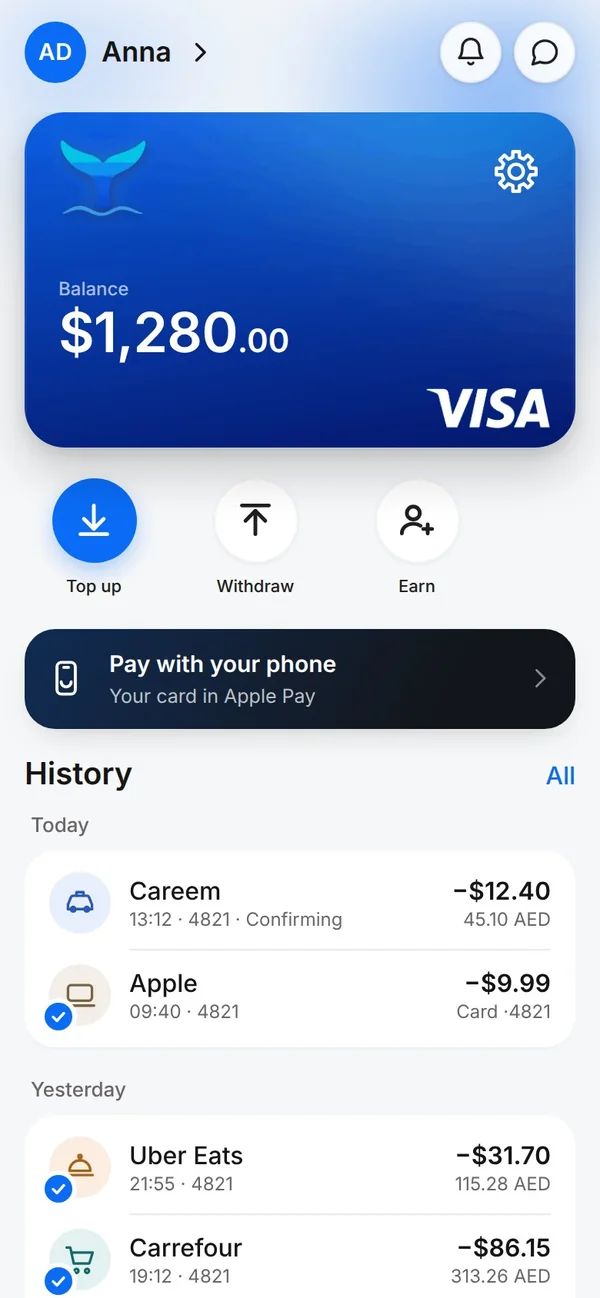
Pay with your phone in stores, cafés and hotels in any country. Adding the card to Apple Pay and Google Pay takes a minute.
A card you can hold in your hand. We deliver anywhere in the world. Withdraw cash at ATMs in any country.
For subscriptions, services and online shopping. Card details are available right after issue.
Email and phone for codes, then an ID document and a selfie.
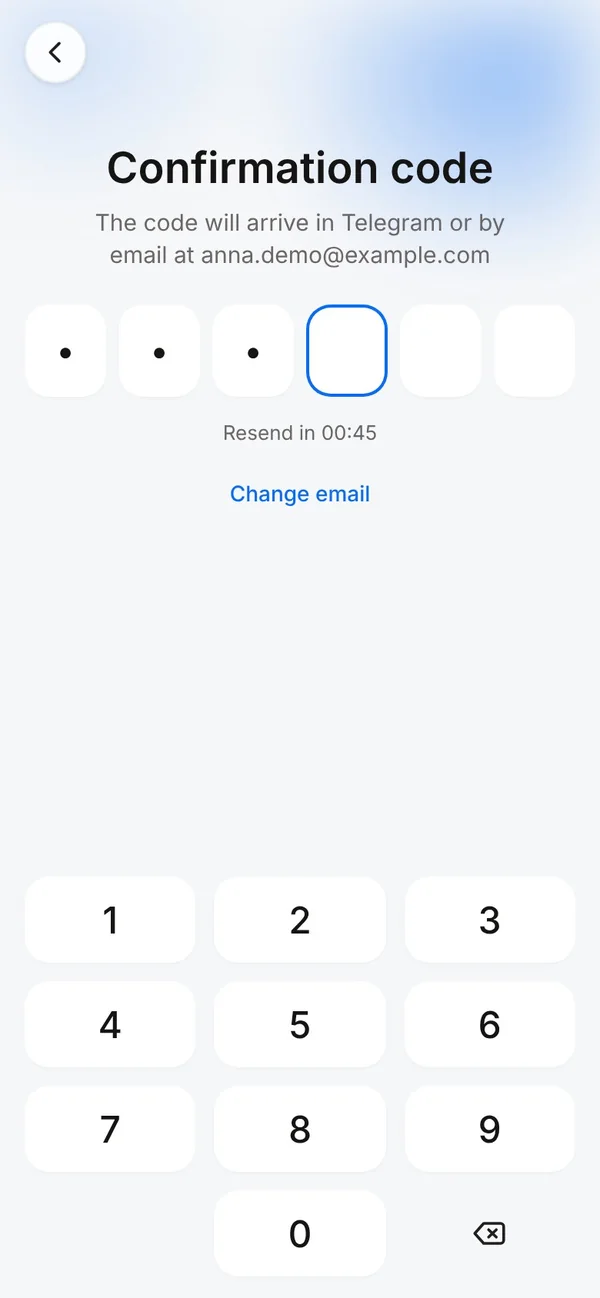
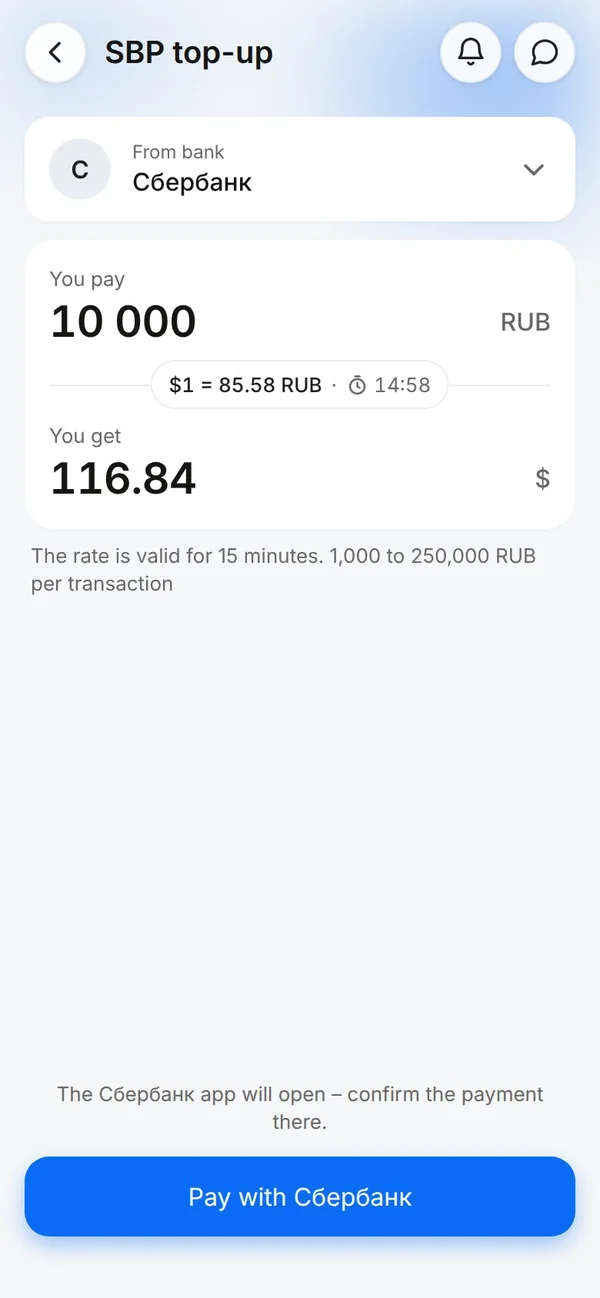
With stablecoins or with rubles via SBP. You see the rate and the total before you confirm.
Choose a card, and in a few seconds you can pay with it.
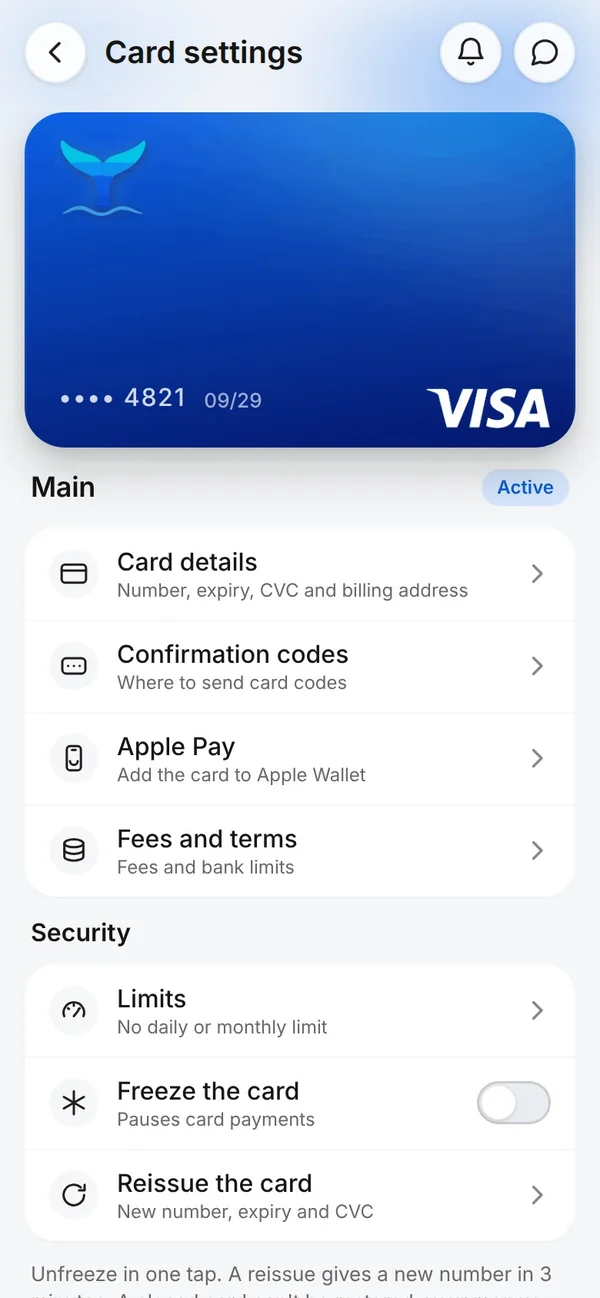
In the app and in Telegram.
You see the rate and the total before you confirm each transaction.
Top up with rubles via SBP. We take the live rate and lock it for 15 minutes while you pay.
The full terms and rules of the service are set out in these documents:
Yes.
An email address and a phone number for codes, then an ID document and a selfie for the identity check.
No. All fees are published on this page and in the app. Card maintenance and balance top-ups are free; the fee on card purchases is 3%. You see the rate and the total before you confirm each transaction.
No, withdrawals from the balance aren’t available. You can use the money for card purchases.
Card payments aren’t available in the following countries: Afghanistan, Belarus, Vanuatu, DR Congo, Iraq, Iran, Cuba, Myanmar, Russia, North Korea, Syria, Somalia, Sudan, Ukraine, South Sudan. The card also can’t be used for gambling, buying crypto or money transfers.
Contact support in the app.